SSM (AWS Systems Manager)

AWS Systems Manager (SSM) is an AWS managed service for centrally operating and managing EC2 instances and on-premises servers. It enables operational tasks such as patch application, command execution, parameter management, and inventory collection to be performed in a unified manner, without the need to connect to each server individually via SSH or RDP.
Why SSM Is Necessary
When you only have a handful of servers, logging in via SSH to perform tasks is sufficient—but that changes as the number grows. Applying the same patch to dozens of machines, keeping track of installed packages across all of them, collecting logs in bulk during an incident: handling these tasks manually is simply not practical. SSM provides a mechanism for executing these operational tasks in bulk from the AWS console or CLI.
Key Features
SSM is not a single service but is composed of multiple feature groups. The most notable are described below.
Run Command is a feature that remotely executes shell scripts and PowerShell commands on managed nodes. Because it requires no open SSH ports and allows execution permissions to be controlled via IAM, it is easier to manage than traditional SSH connections from both a security and operational standpoint. No additional charges apply.
Parameter Store is a feature for securely storing and distributing configuration values such as database connection strings and API keys. It supports encryption via KMS, and the standard pattern is for applications to retrieve values using aws ssm get-parameter.
Patch Manager scans the patch compliance status of operating systems and automatically applies patches based on a defined baseline. Combined with Maintenance Windows, it enables a workflow where patch application is completed outside of business hours.
Session Manager provides browser-based shell access. It eliminates the need for bastion servers, and the fact that session activity logs are automatically recorded in CloudTrail and S3 makes it particularly valuable in environments with strict audit requirements.
How SSM Agent Works
Each SSM feature operates through the SSM Agent installed on managed nodes. Because it comes pre-installed on AMIs such as Amazon Linux 2 and Windows Server, EC2 instances can often be used without any additional setup. On-premises servers and edge devices require a manual installation, but by following a registration procedure called hybrid activation, they can be added as managed targets in the same way as EC2 instances.
In the author's experience, version discrepancies in SSM Agent have occasionally been the root cause of issues. When Run Command fails on only specific nodes, the standard first step is to suspect the Agent version.
Pricing
Run Command, Session Manager, and Parameter Store (Standard parameters) are available at no additional charge. Fees do apply for certain advanced features, such as Parameter Store Advanced parameters and OpsItem operations in OpsCenter. The ability to keep basic operational management costs low even in large-scale environments is one of SSM's strengths.
Articles covering this term

Related Terms
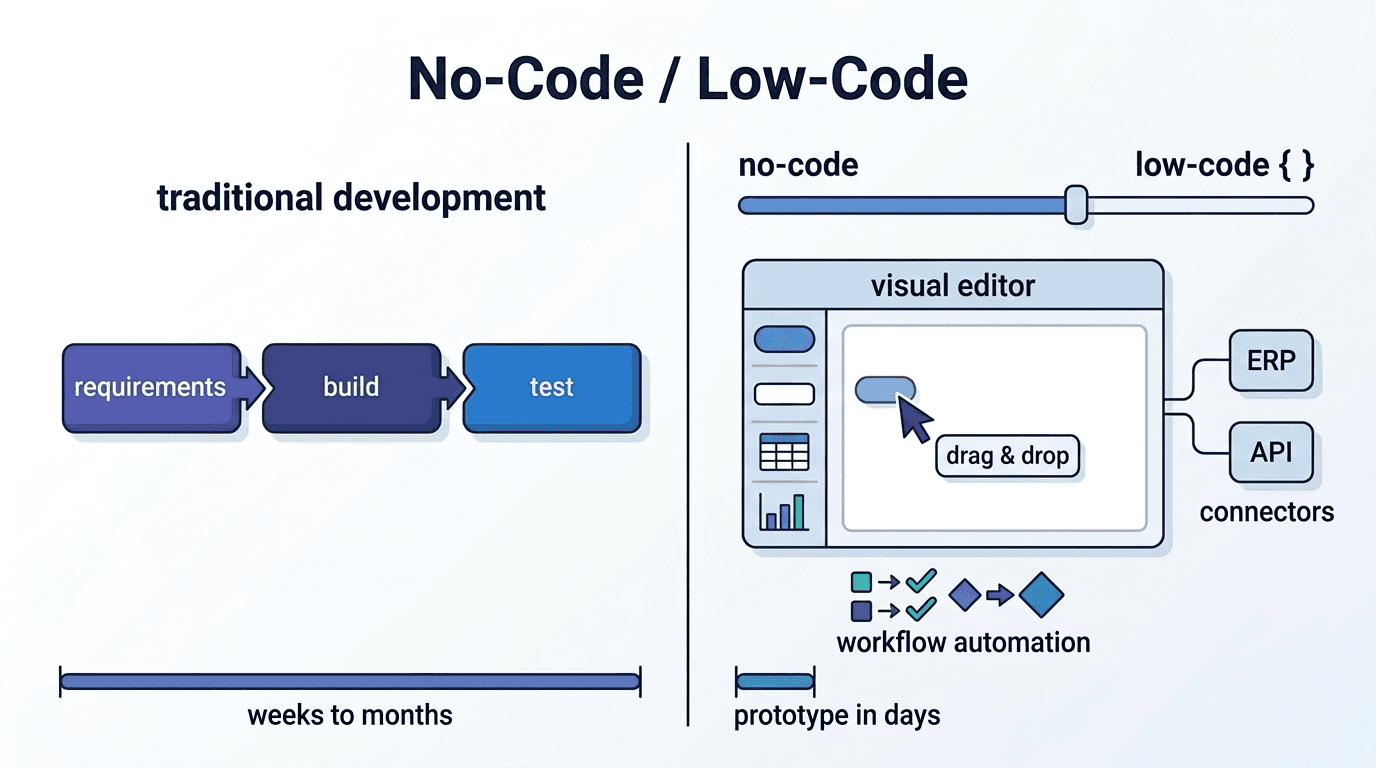
No-Code/Low-Code Development
No-code/low-code development is a development approach that minimizes the need for programming exper

E2E Test
E2E testing (End-to-End testing) is a testing methodology that simulates user interactions to drive
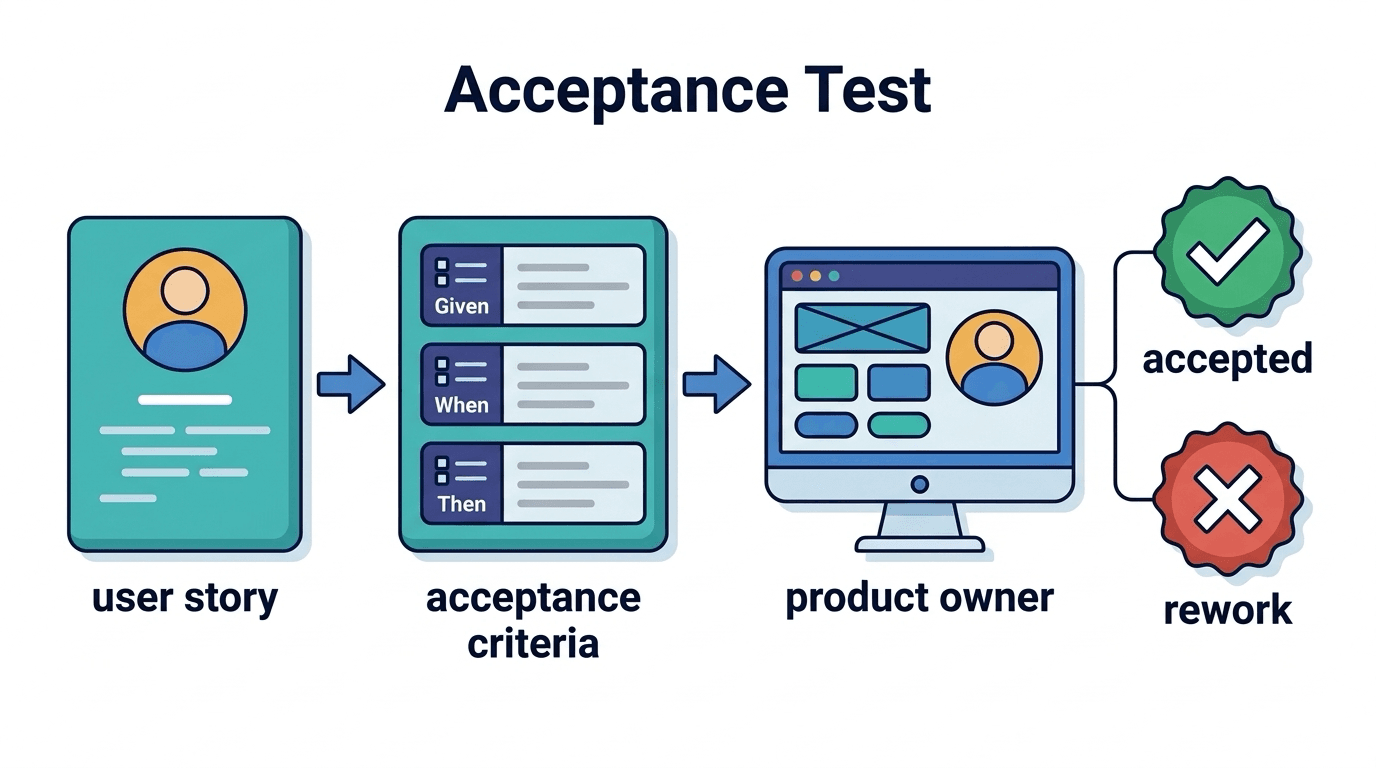
Acceptance Testing
Acceptance testing is a testing method that verifies whether developed features meet business requir

ATDD
ATDD (Acceptance Test-Driven Development) is a development methodology in which the entire team defi